Meta Quest 3 vs. Meta Quest 3S: Which Fits Your VR Use?
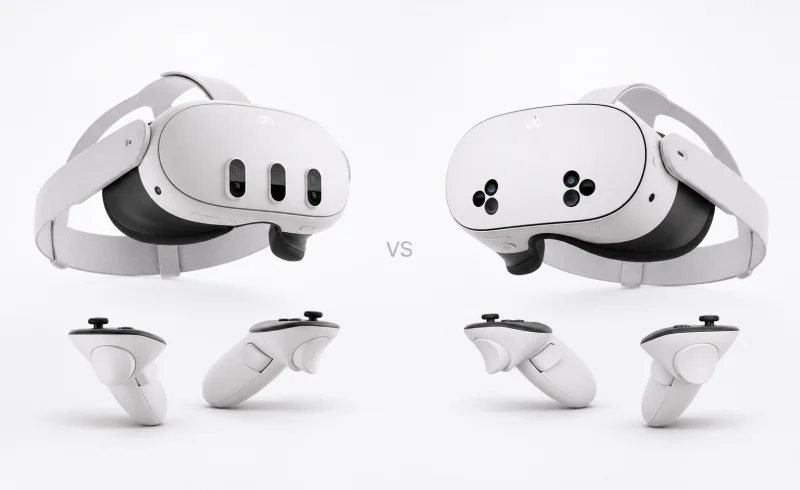
Meta Quest 3 offers clearer peripheral detail; Meta Quest 3S offers modestly longer gaming runtime and better dim-room tracking, though room layout matters.
TL;DR
Quest 3 suits readers who want fine detail to stay clear as they look around: its pancake lenses provide near edge-to-edge clarity, while Quest 3S’s Fresnel lenses have a smaller central sweet spot (Android Central). Quest 3S may fit better for low-light play, where its infrared lights helped tracking in UploadVR’s testing; room layout matters, since Android Central found tracking worked in dark bedrooms with visible walls, but not in its living room.
| Feature | Meta Quest 3 | Meta Quest 3S |
|---|---|---|
| Everyday use | ||
| Color passthrough and room mapping | Full-color passthrough; depth projection and room mapping [1] [2] | Full-color passthrough; scene meshing without a depth sensor [3] [4] [5]Android Central reported no apparent mixed-reality performance loss from the missing depth sensor in its review. |
| Included controllers and hand input | Two Touch Plus controllers; hand tracking supported [2] [1] | Two Touch Plus controllers; hand tracking supported [3] [4] |
| Listed average runtime and charging | Up to 2.2 hours average; approximately 2.3 hours to charge [6] [2]Runtime varies by activity. Charging figure uses the included 18 W adapter. | Up to 2.5 hours average; approximately 1.9 hours to charge [7]Runtime varies by activity. EE recommends an adapter rated 18 W or higher to avoid slower charging. |
| Processing and listed storage configurations | Snapdragon XR2 Gen 2; 8 GB RAM; 128 or 512 GB [6] [2]Storage configurations listed in the datasheet. | Snapdragon XR2 Gen 2; 8 GB RAM; 128 or 256 GB [8]Storage configurations listed in the December 2024 review. |
| Optics and fit | ||
| Lens clarity | Pancake lenses; reviewers reported near edge-to-edge clarity [9] [10] | Fresnel lenses; reviewers reported a small clear center and peripheral blur [3] [4] |
| Lens spacing and glasses clearance | Stepless 58–70 mm lens separation; four eye-relief positions [9]The adjustable-depth interface provides glasses clearance without a spacer insert. | 58, 63 or 68 mm lens separation; included glasses spacer [5] [8] [4]Glasses clearance uses a spacer rather than an adjustable-depth interface. |
📑 Table of Contents
Which headset gives a clearer VR view?
Choose Quest 3 if fine detail and clarity away from the center matter most. Its 2,064 × 2,208 pixels per eye give detailed scenes room to resolve, while its pancake lenses make more of the view useful when you glance around.
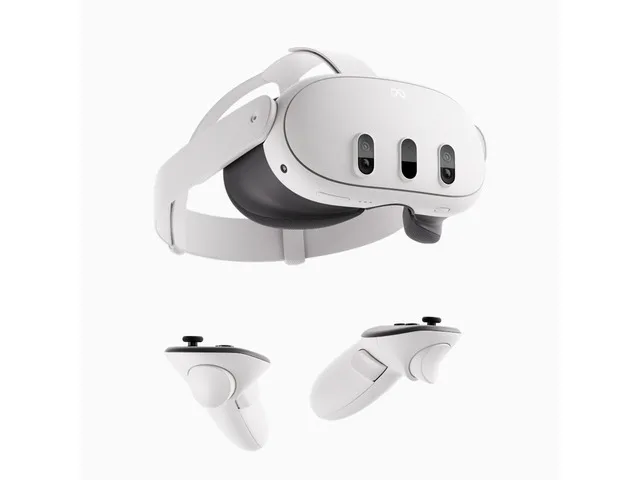
UploadVR found almost edge-to-edge clarity on Quest 3. By contrast, Android Central described Quest 3S’s Fresnel lenses as having a small central sweet spot, with increasing blur toward the edges and less-clear fine detail than Quest 3. In daily use, that favors Quest 3 for scanning text or looking around a scene with your eyes; Quest 3S makes keeping important detail centered more important.
Quest 3 also offers a wider horizontal view: 110° versus the listed 89–96° for Quest 3S, with both at 96° vertically. That means more of the scene fits across your view. The comparison’s field-of-view chapter (0:48) covers this difference.
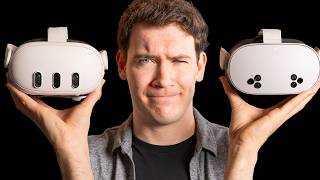
For a reader who dislikes turning their head to bring peripheral detail into the clearest area, Quest 3 is the better fit.
Getting the lenses aligned and making room for glasses
Quest 3 is the better choice if you want finer control over lens alignment. Its stepless wheel adjusts lens separation from 58–70 mm, so you can dial it in rather than settle for a preset. IPD is the distance between your pupils; matching it helps position your eyes behind the lenses.
Quest 3S has three lens positions—58, 63 and 68 mm, with supported IPD bands of 56–60, 61–65 and 66–70 mm respectively. If your IPD falls within one of those bands, it offers a straightforward setup; Quest 3 gives you more adjustment between positions.
For glasses, the difference is how you make room. Quest 3’s facial interface offers four eye-relief distances without a spacer insert, while Quest 3S uses a glasses spacer. Quest 3 therefore offers more flexibility for adjusting the distance between your glasses and the headset lenses.
Games, processing power and room for installed apps
Both headsets have a Snapdragon XR2 Gen 2 processor and 8 GB of memory: Quest 3 and Quest 3S share those core specifications. Processing hardware alone is therefore not a reason to step up to Quest 3.
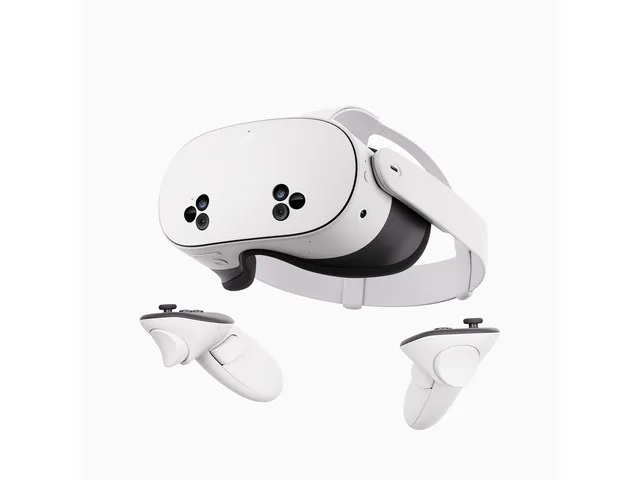
You also do not need Quest 3 simply to play Quest 3-exclusive games: Quest 3S supports those titles. So it isn't limited to the older Quest library.
Storage is the more useful distinction if you want many apps installed at once. Quest 3’s listed configurations are 128 GB and 512 GB, while Quest 3S comes in 128 GB and 256 GB. Choose the 512 GB Quest 3 for the most room and less pressure to remove games before installing others. For a smaller rotation, Quest 3S offers the same processor with either the shared 128 GB capacity or a roomier 256 GB option.
Seeing and interacting with your room
Both headsets let you see your surroundings through full-color passthrough. Quest 3 uses two RGB cameras and a depth projector; its mixed-reality setup asks you to map walls and scan furniture, making room scanning part of getting ready to play.
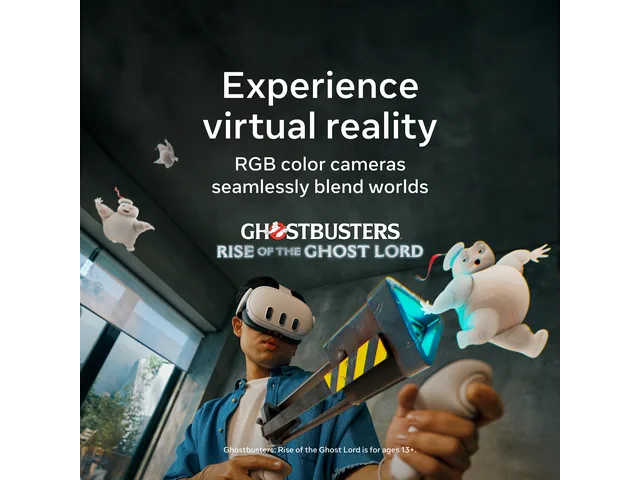
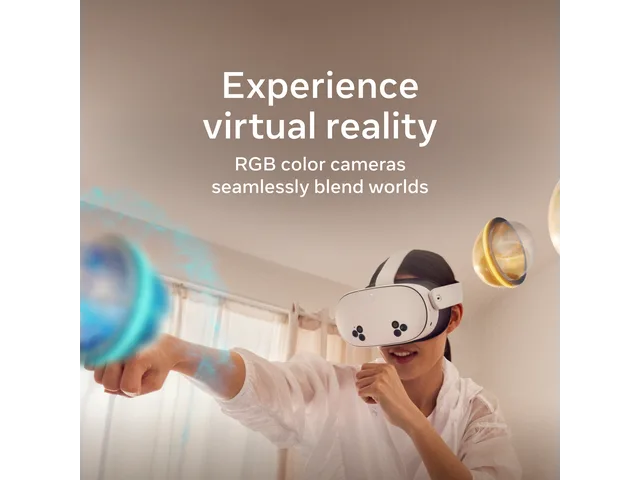
Quest 3S supports mixed-reality scene meshing despite lacking Quest 3’s depth projector, so room-aware use is not a reason by itself to choose Quest 3.
If you frequently switch between immersive play and checking your surroundings, Quest 3S offers a convenient physical control: its Action Button toggles between full-color passthrough and immersive VR. That is a concrete reason to pick it when quick access to your room matters.
Controllers, hand input and dim rooms
For controller-based play, there is little reason to choose between them: Quest 3S and Quest 3 use identical Touch Plus controllers. Their ringless design, six-degrees-of-freedom tracking and TruTouch haptics give you the same controller features whichever headset you choose.
If you prefer using your hands, Android Central found Quest 3S essentially matched Quest 3 for daytime hand-tracking accuracy and performance. For a normally lit room, that makes hand input another shared strength, not a reason to step up to Quest 3.
Quest 3S is the more useful choice for dim-room tracking. Its two infrared flood LEDs helped it deliver better low-light head and hand tracking than Quest 3 in UploadVR’s testing, including in darkness. Room layout still matters: Android Central’s dark-room tracking worked in bedrooms where the headset could see walls, but not in the living room. Pick Quest 3S for evening play in low light.
Planning sessions and charging breaks
Quest 3S is the better fit if your priority is longer unplugged gaming sessions. EE lists Quest 3S at up to 2.5 hours on average and 2.7 hours for gaming, versus 2.2 hours on average and 2.4 hours for gaming on Quest 3. Those estimates give Quest 3S a modest edge when planning an evening’s play.
Charging is quicker on Quest 3S, too: EE lists 1.9 hours to charge, compared with 2.3 hours for Quest 3. For Quest 3S, use an adapter rated at least 18 W to avoid slower charging. Quest 3 includes an 18 W adapter and charges over USB-C.
Media playback is a draw: up to 2.9 hours for Quest 3 and 2.8 hours for Quest 3S.
Final Verdict
Choose Meta Quest 3 if clearer peripheral detail and finer lens adjustment matter most. It makes scanning text and looking around with your eyes more practical, while its 512 GB configuration leaves more room for installed games.
Choose Meta Quest 3S if quick passthrough access and longer unplugged gaming sessions matter more. Its dedicated Action Button switches between VR and your surroundings, and EE lists a modestly longer gaming runtime. It also tracks better in dim rooms, though room layout affects results.
FAQ
My IPD is 64 mm. Do I need Quest 3 to match it exactly?
How does each headset make room for glasses?
Can either headset cover a three-hour gaming session on one charge?
📄 Sources & Documentation
Meta Quest 3
"Images are used for editorial and informational purposes only. All trademarks and images belong to their respective owners."