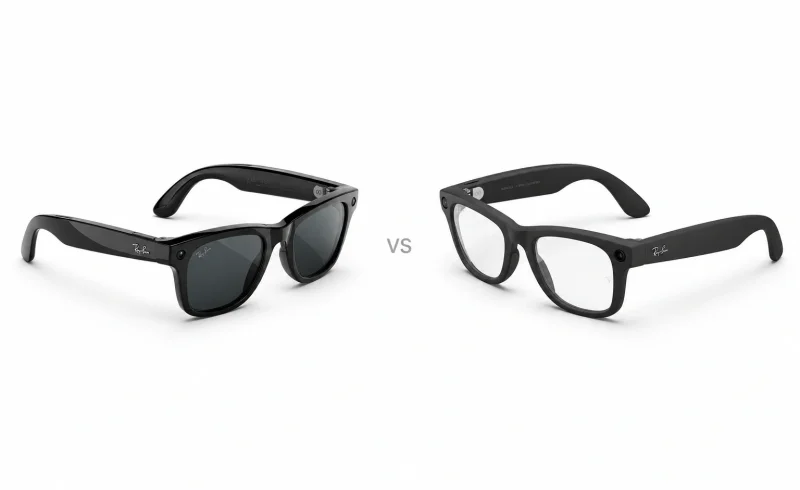
Ray-Ban Meta Wayfarer (Gen 3) vs Ray-Ban Meta Wayfarer (Gen 2): First Pair or Upgrade?
TL;DR
Ray-Ban Meta Wayfarer Gen 3 suits first-time users who want an assignable action button and professionally adjustable temple tips. RobTomReviews prefers Gen 3 for newcomers, while Tech with Spencer would seriously consider Gen 2 at a good deal. Both advise satisfied Gen 2 owners to keep a pair that already fits and lasts through the day.
Gen 2 remains the budget option. On November 16, 2026, Meta's US starting prices were $449 for Gen 3 and $379 for Gen 2, a $70 gap between entry prices.
| Feature | Wayfarer Gen 3 | Wayfarer Gen 2 |
|---|---|---|
| US starting price, November 16, 2026 | $449 | $379 |
| Photo dimensions | 3024 × 4032 pixels | 3024 × 4032 pixels |
| Video | 3K at 30 fps, 1080p+ at 30 or 60 fps, 720p+ at 120 fps | 3K at 30 fps, 1080p+ at 30 or 60 fps, 720p+ at 120 fps |
| Microphones | 6 | 5 |
| Glasses battery (rated) | Up to 9 hours | Up to 8 hours |
| Case battery (rated) | Up to 50 additional hours | Up to 48 additional hours |
| Camera and shortcut controls | Capture and assignable shortcut | Camera-only capture |
| Standard / large hinge width | 129 / 135 mm | 131 / 137 mm |
| Standard / large temple length | 149 / 154 mm | 150 / 155 mm |
| Standard / large device weight | 51.5 / 53.8 g | 51 / 53 g |
| iPhone software (Meta AI app) | iOS 18.4 | iOS 18.4 |
| Android 10+, Meta AI app and Meta AI | Yes | Yes |
Dimensions and weights are for Meta's Gen 3 Transitions Grey and Gen 2 clear blue-filter models; starting prices may cover different lens configurations. Case hours come from recharging the glasses.
📑 Table of Contents
- The camera specifications stay the same
- Gen 3 adds an assignable shortcut button
- Most of the new software also reaches Gen 2
- Reviewers hear different results from the speakers
- Meta rates Gen 3 for nine hours, Gen 2 for eight
- Gen 3 adds temple adjustment to the Wayfarer shape
- Both need a phone that runs the current Meta AI app
- Final Verdict
- FAQ
The camera specifications stay the same
Both Wayfarers list a 12-megapixel camera and the same photo dimensions and video formats. That gives either generation hands-free capture at up to 3K and 30 frames per second.
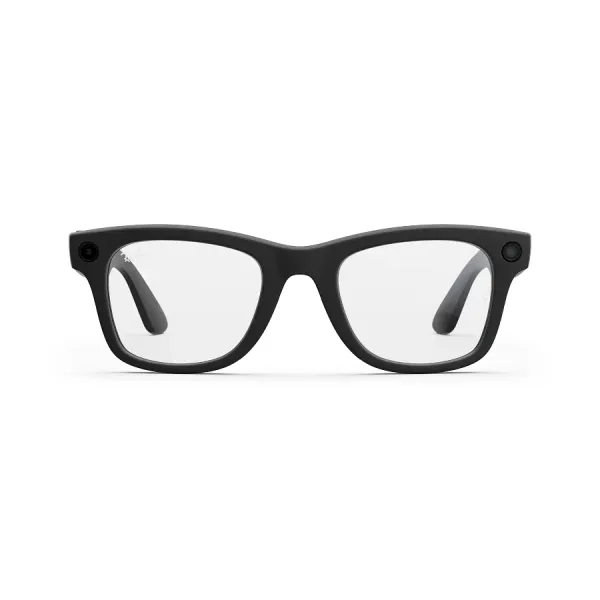
Tom's Guide's Mike Prospero liked Gen 2 Wayfarer photos and video in full light, although a red tractor looked paler than it did in person. The horizon also stayed steady while he ran with his dog. PCMag's Will Greenwald found clear, well-exposed indoor and outdoor images on the Gen 3 Aviator, including a backlit dark gray cat. In that Aviator review, smartphone images were brighter and sharper, while the vertical 4:3 view and lack of a preview restricted framing.
Flowers and sand look warmer on the Gen 3 side of Tech with Spencer's daylight examples (04:13), while the Gen 2 sand looks grayer. The two examples use different framing.
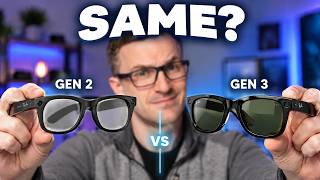
With the same camera specs on both, image quality is no reason to replace a working Gen 2.
Gen 3 adds an assignable shortcut button
Gen 3's assignable action button can activate Meta AI without saying “Hey Meta,” the shortcut both Tech with Spencer and RobTomReviews chose. The request itself is still spoken. Gen 2 already supports the assistant; Gen 3 adds a configurable physical way to reach it.
Engadget's Ian Carlos Campbell contrasts Gen 3's configurable action button with Gen 2's camera-only capture button. Both generations retain physical photo and video capture.
Most of the new software also reaches Gen 2
The button is the main Gen 3 exclusive an owner can use today. Digital Trends notes that Dynamic Photos, landscape crop, hearing enhancement and the Meta AI and translation improvements launched with Gen 3 aren't exclusive to it, and Engadget says Muse and hearing enhancement will be available on older Gen 2 models.
The sixth microphone is what Gen 3 adds for later: Digital Trends reports it will enable Dolby Atmos spatial audio capture through a software update later this year. For a Gen 2 owner, that leaves the button, the adjustable temple tips and future spatial recording as the reasons to pay again.
Touch controls can also interrupt playback unintentionally. PCMag occasionally triggered playback while adjusting its Gen 3 Aviator. Digital Trends' Shikhar Mehrotra reported unintended Gen 2 touchpad activation when adjusting his frames or brushing his hair.
Reviewers hear different results from the speakers
RobTomReviews found calls and music clearer on his Gen 3 Wayfarer than on his Gen 2 in quick personal use (05:45), with his hearing loss shaping that experience.
For outgoing sound, Gen 3 has six microphones to Gen 2's five. During a Gen 3 call while he drove through heavy rain, the other person heard him well.

Tech with Spencer heard no significant difference in speaker sound or leakage between his Gen 2 and Gen 3 pairs. His microphone recording samples, made in a quiet room and slightly windy outdoors, also sounded much the same to him.
An approaching subway overwhelmed Gen 2 playback at Tom's Guide. PCMag's Gen 3 Aviator wearer likewise could not hear in the subway, and that review also noted weak sub-bass and sound leakage.
Meta rates Gen 3 for nine hours, Gen 2 for eight
Meta rates the Gen 3 glasses for up to nine hours and Gen 2 for up to eight. Their charging cases provide up to 50 and 48 additional hours respectively through recharges. Both models list a 50 percent charge in 20 minutes.
Tech with Spencer barely noticed a battery change during daily music, calls and visual AI use. Tom's Guide got a whole day from Gen 2 with several hours of podcasts, photos and occasional AI queries. Digital Trends reported four to five hours from Gen 2 during video capture, AI queries and louder playback, against Meta's up-to-eight-hour rating.
Gen 3 adds temple adjustment to the Wayfarer shape
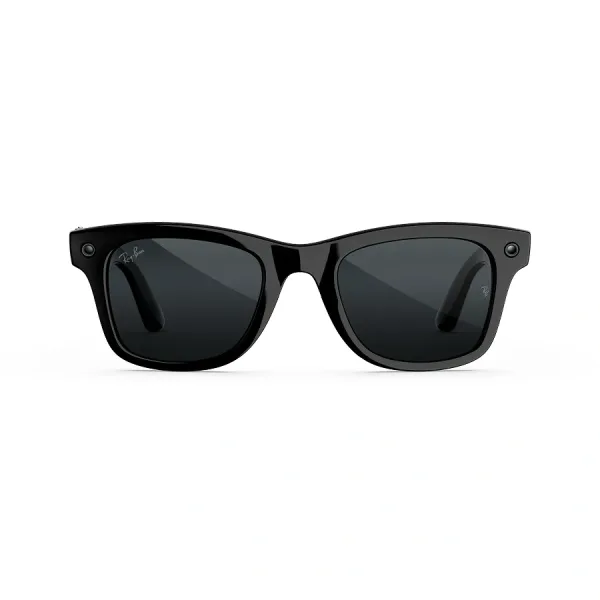
Gen 3 retains the Wayfarer form with professionally adjustable temple tips. Meta lists standard hinge widths of 129 mm for Gen 3 and 131 mm for Gen 2, with temple lengths of 149 and 150 mm.
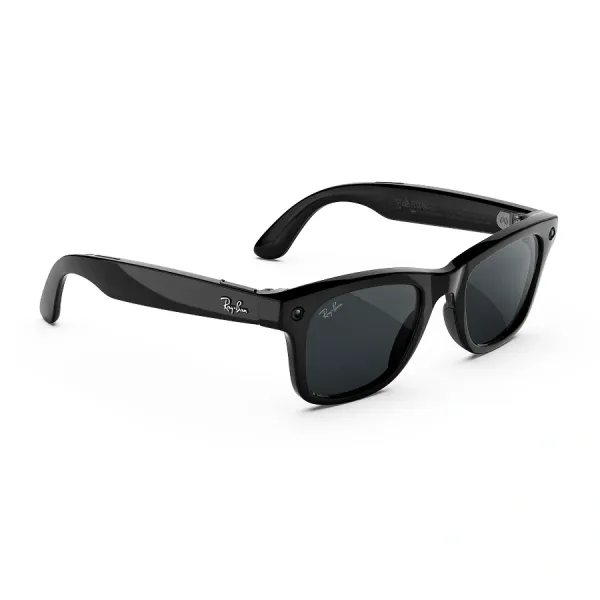
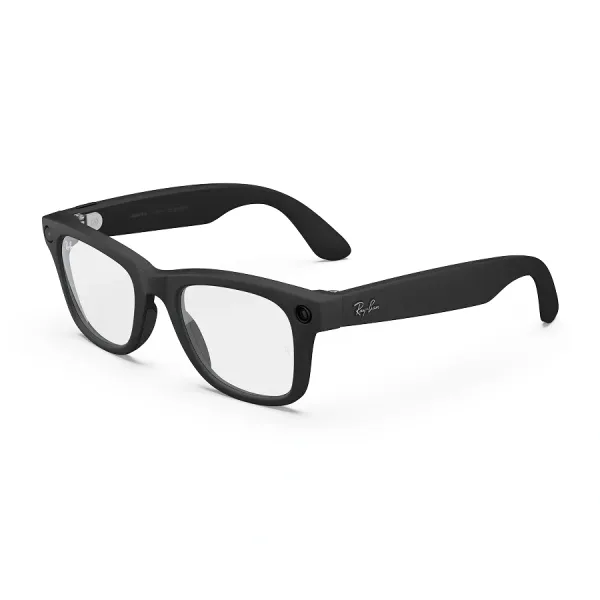
RobTomReviews found the fit similar but said Gen 3's adjustment could loosen pressure at the temples. Tech with Spencer felt little comfort change while comparing large Gen 2 glasses with standard Gen 3 glasses. Tom's Guide found its standard Gen 2 Wayfarer tighter than preferred, though not uncomfortable.
Both models support single-vision and progressive prescriptions from -12 to +6 total power.
Both need a phone that runs the current Meta AI app
Meta's product pages list iOS 17 or later for Gen 3 and iOS 15.2 or later for Gen 2, but both pair through the Meta AI app, and its US App Store listing requires iOS 18.4 as of November 16, 2026. An iPhone stuck on iOS 15 or 16 is no reason to pick Gen 2. Both also support Android 10 or later.
Gen 2 already handles visual questions, translation and messaging in Tech with Spencer's use, with Meta AI features varying by country and language. PCMag experienced about an hour of search-backend disconnection on its Gen 3 Aviator, while reminders and weather mostly worked.
Both packages include a charging case, cloth and guide, and both omit the USB-C cable. Setup also requires a compatible phone and connection, with separate service accounts or fees potentially adding costs.
Final Verdict
Gen 3 gets the nod for a first pair because of its assignable action button, adjustable temple tips and sixth microphone; most of the new software reaches Gen 2 as well, so a satisfied Gen 2 owner has little reason to upgrade.
- First pair with frequent Meta AI use: Gen 3 gives the assistant its own configurable physical shortcut.
- Satisfied Gen 2 owner: Keep Gen 2 if its fit and daily endurance already meet your needs, as both video reviewers advise.
- Lower entry-price priority: Gen 2 starts at $379 against Gen 3's $449, and Engadget expects a used Gen 2 to be the better deal for buyers without a prescription.