Apple HomeView vs Amazon Echo Show 8: Apple Home or Alexa?
TL;DR
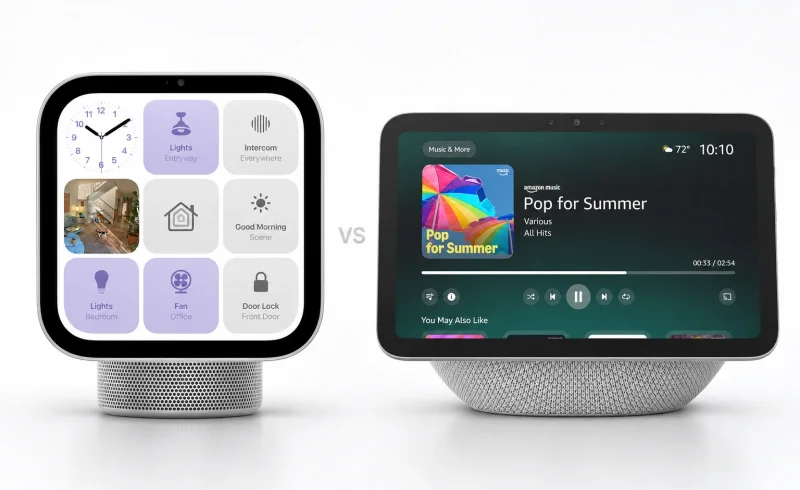
Apple HomeView fits a household that already runs its lights, cameras and routines through Apple Home and wants FaceTime on a shared screen. Its personal-context Siri features need a paired Apple Intelligence-capable iPhone or iPad. The Amazon Echo Show 8 fits an Alexa household, adds direct Zigbee connections, and gives video and busy dashboards more room.
Your existing accessories matter more than either display's AI branding. HomeView's launch software still has a voice-control limitation for locks, while Alexa+ on an Echo requires Prime or a separate subscription in the US. The comparison below uses the tabletop HomeView and the 8.7-inch Echo Show 8 released in 2025, also called the fourth generation.
| Feature | Apple HomeView | Amazon Echo Show 8 (2025) |
|---|---|---|
| Home platform | Apple Home | Alexa |
| Built-in hub connections | HomeKit, Matter, Thread | Zigbee, Matter, Thread |
| Screen diagonal | 7 inches | 8.7 inches |
| Screen resolution | 1088 × 1088 pixels | 1340 × 800 pixels |
| Camera | 12 MP with Center Stage | 13 MP with auto-framing |
| Native video calling | FaceTime | Alexa calling and Drop In |
| Speaker layout | Two full-range drivers plus woofer | Two full-range drivers plus woofer |
| Physical camera and microphone disable button | None | Combined electronic disable button |
| Screen tilt | Built-in hinge | Optional stand |
| Phone-to-speaker playback | AirPlay | Bluetooth |
| Included power adapter | 30 W, USB-C | 30 W, barrel connector |
| US price, November 13, 2026 | $299 list | $199.99 at Amazon |
📑 Table of Contents
- Start with the lights and cameras you already own
- Check which requests still need your phone
- Give recipes, widgets and video enough room
- Keep music and video services in the decision
- Choose the calling network your family uses
- Decide how you want to turn the camera off
- Leave enough space beside the toaster
- Final Verdict
- FAQ
Start with the lights and cameras you already own
HomeView puts Apple Home controls on the counter, while Echo Show 8 puts Alexa's device groups and routines there. Both support compatible Matter and Thread accessories. Echo also connects directly to compatible Zigbee devices, which matters if those are the bulbs and sensors already installed in your home.
HomeView's Home Camera face can show up to nine compatible live feeds together. Echo's dashboard also brings camera feeds and device controls onto one screen, with temperature and presence available as routine triggers. A Matter label on the display does not make a particular camera available in both platforms: check the camera's Apple Home or Alexa integration before replacing its current control screen.
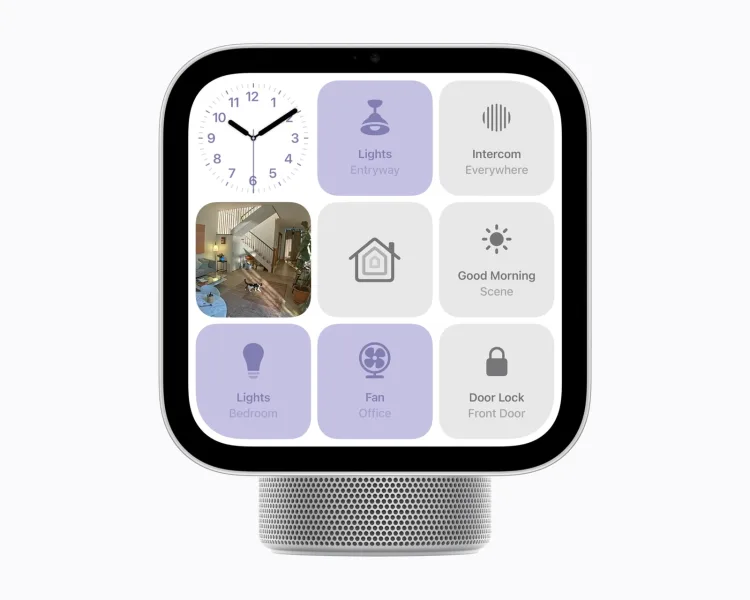
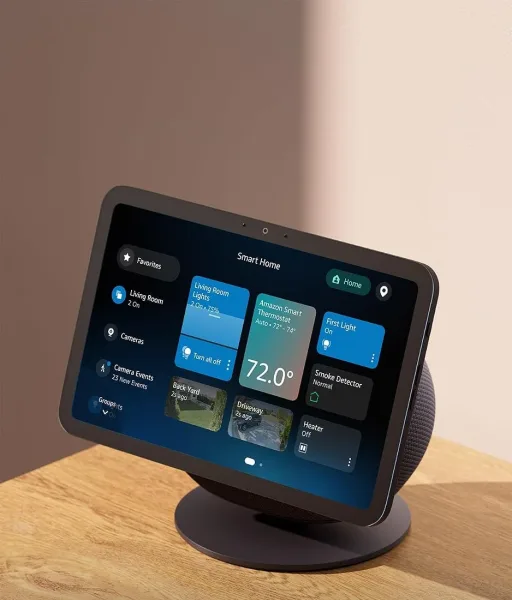
HomeView's launch software has one catch if you lock doors by voice. 9to5Mac's Chance Miller could run a scene containing a lock during his ten-day test but could not ask Siri to control that lock individually; he had to use the Home app. Apple has announced an update; until it arrives, the touch controls handle the lock.
Check which requests still need your phone
HomeView separates ordinary questions from requests about your personal information. It can answer general-knowledge questions without the paired phone nearby, but personal-context Siri requests depend on a paired Apple Intelligence-compatible iPhone or iPad nearby. Initial setup requires iOS 27.2 or iPadOS 27.2 or later; a device that qualifies for setup does not automatically qualify for every AI feature.
Echo Show 8 carries a different ongoing requirement. Amazon includes full Alexa+ access with Prime in the US, or charges $19.99 a month without Prime. The free Alexa+ text-chat tier in the app and on the web does not provide free Alexa+ voice access on the Echo. HomeView's Siri AI is in beta, with daily limits for some server-based features and paid expanded access announced for the future.

HomeView's personal-context requests sometimes hung or returned a retry message in 9to5Mac's testing. Those interruptions matter when your hands are occupied and the request concerns a calendar or message, the kind of interaction at issue in Joanna Stern's Siri AI chapter (09:49).
Give recipes, widgets and video enough room
Echo Show 8 gives a landscape video substantially more space than HomeView's square screen. Using the published diagonals and pixel aspect ratios, an uncropped 16:9 picture occupies approximately 31.4 square inches on the Echo versus 13.7 on HomeView, about 2.29 times the area. That is picture size, not image quality.
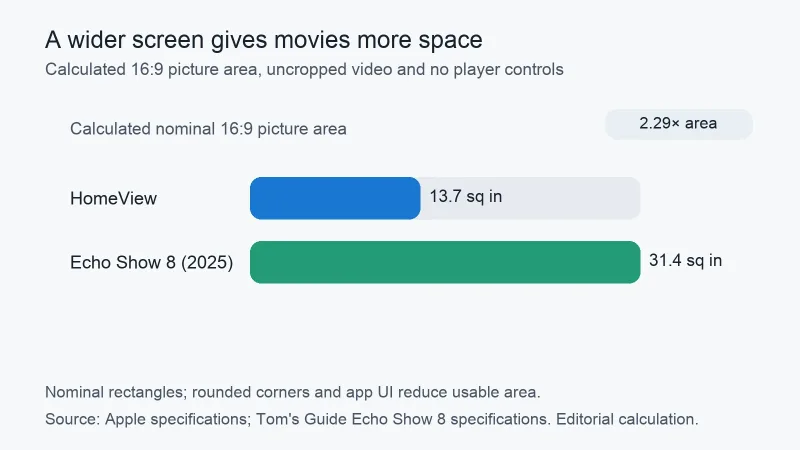
HomeView keeps photos and large clock faces visually simple, but its square layout asks you to prioritize what stays visible. In Tom's Guide's HomeView review, Mike Prospero could not fit weather, family photos and a doorbell view together as he wanted, and found that Echo Show 8 accommodated more information. Echo Show 8 gives those photos, weather and camera views more room together, before anyone starts a movie.
Keep music and video services in the decision
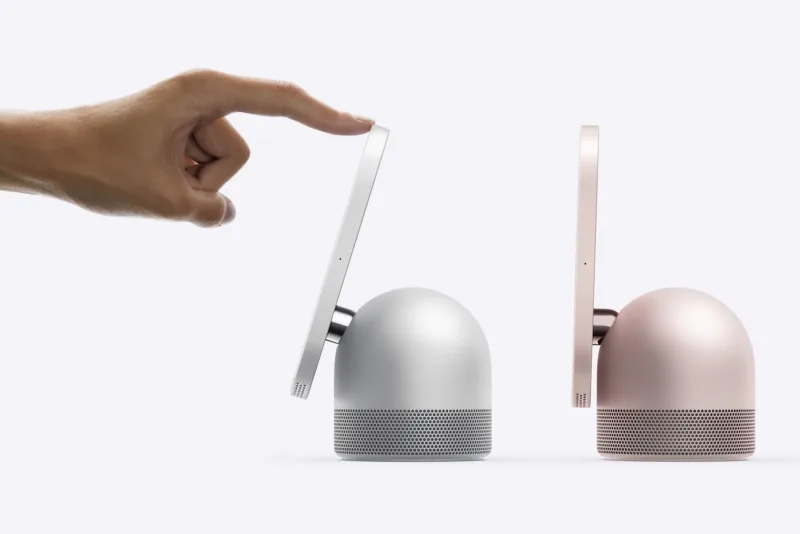
HomeView's tabletop base houses a woofer beneath the display's two full-range drivers, and Echo Show 8 also pairs a woofer with two full-range drivers. Both can handle everyday music playback. HomeView's wall-mounted sibling has a different speaker arrangement, so reviews of that model don't describe the tabletop version's sound.
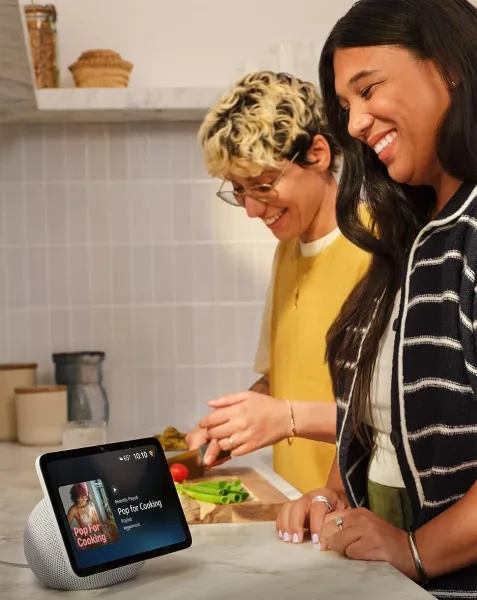
Echo Show 8 has the simpler route to Netflix and Prime Video on the display itself. PCWorld's US review covers both services, while distinguishing the smaller Show from the fuller Fire TV experience on larger models. HomeView uses built-in Apple apps and supported audio and video apps delivered from an iPhone; it has no general App Store. A phone widget appearing on HomeView does not necessarily mean its app can open there.
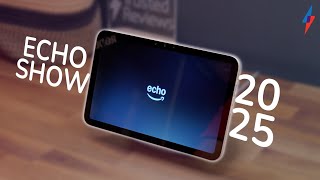
HomeView accepts AirPlay playback, while Echo Show 8 can receive Bluetooth audio. The Echo's listening experience gets its own Trusted Reviews sound chapter (07:41). If your household only needs music playback, the Nest Audio versus HomePod comparison follows that same phone-to-speaker choice without adding a display.
Choose the calling network your family uses
HomeView makes FaceTime available on a shared countertop screen, with Center Stage reframing the call as people move. Echo Show 8 uses Alexa calling and permission-based Drop In, with auto-framing on its own camera. The difference between 12 and 13 megapixels tells you less about this choice than whether relatives already answer FaceTime or use Alexa's calling system.
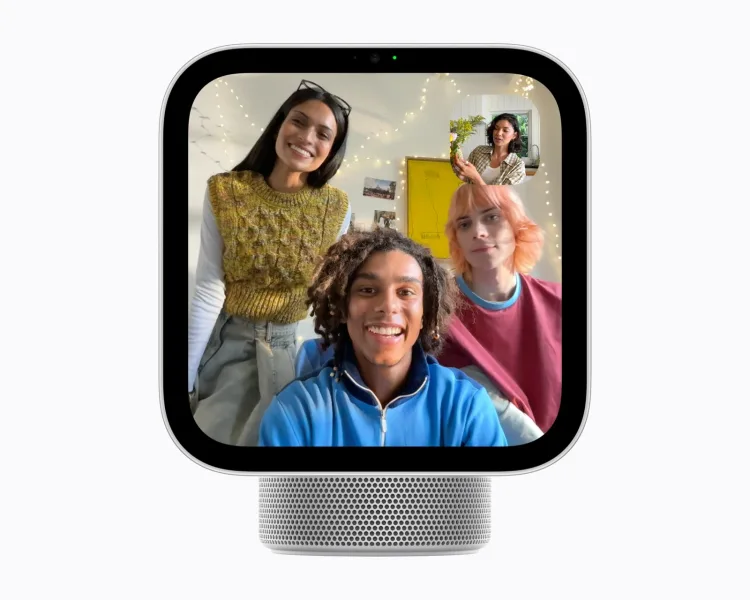
Echo's Drop In also serves a different household habit: approved contacts can connect without the usual answer step. That can be useful for a household intercom, but the permission deserves attention before enabling it. HomeView's native FaceTime support is the more direct fit when FaceTime is already how the family calls.
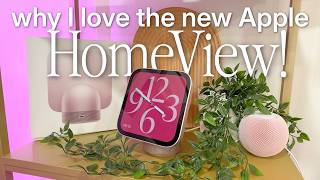
HomeView can reach a relative's FaceTime-enabled device over Wi-Fi, so the person answering does not need another HomeView. Its countertop calling use appears in Julia k crist's FaceTime chapter (11:19).
Decide how you want to turn the camera off
Echo Show 8 gives you a physical button that electronically disables its camera and microphones together. Its 2025 design has no sliding camera shutter, a change that matters to anyone replacing an older Show. HomeView has no physical camera or microphone off button, so it offers no equivalent button press at the edge of the screen.
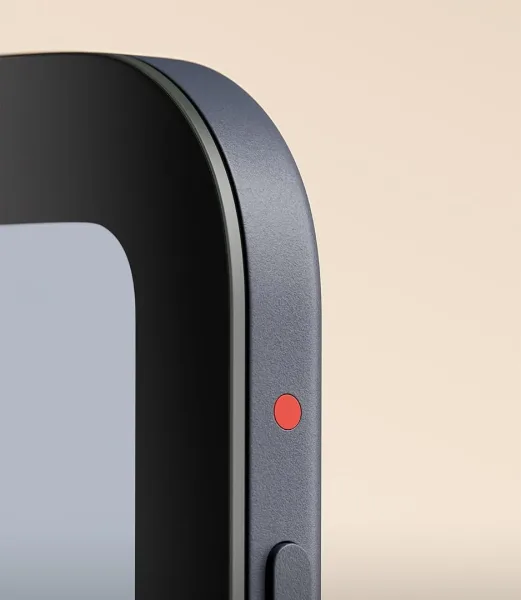
HomeView instead puts several conditions around personal content: it recognizes up to six people and uses face recognition together with a paired, recently unlocked Apple device to grant access. Echo's optional Visual ID also personalizes the screen, with facial recognition processed on the device. These features answer who sees a personalized screen; the physical disable button answers whether you can stop the camera and microphones with a single press.
Leave enough space beside the toaster
HomeView leaves about 2.47 more inches of counter width free: Apple lists it at 5.73 inches wide, compared with Echo Show 8's published 8.2 inches. Its maximum stated depth is 5.13 inches as the screen tilts, so the narrower body does not necessarily fit a shallower shelf. Both need a power cable and an outlet.
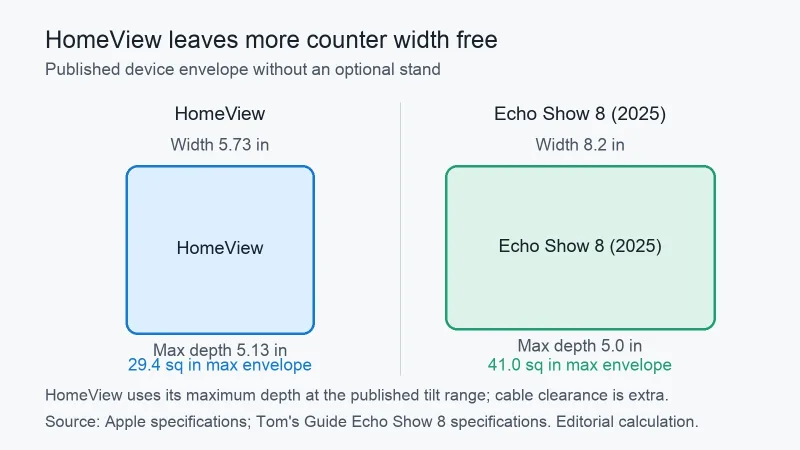
HomeView includes its screen hinge, whereas tilting the Echo requires a separate stand. The envelopes above are the space to reserve, not the area the bases touch; allow additional cable clearance behind either one.
Final Verdict
For a household already using Apple Home and FaceTime, HomeView is the more coherent shared control screen; for an Alexa or Zigbee home, Echo Show 8 is the better fit for the main job of controlling existing accessories.
- Apple Home controls and family FaceTime: HomeView, with the launch limitation on individual voice commands to locks kept in mind.
- Alexa-connected devices and direct Zigbee pairing: Echo Show 8, with Alexa+ access budgeted according to Prime membership.
- A wider dashboard or regular landscape video: Echo Show 8, whose screen gives those tasks more space.
- A narrow countertop and an adjustable screen: HomeView, with its hinge included.